Location tracking tells you where a check-in came from. Location restriction decides whether it counts at all, enforcing the boundary before anything is written to your list.
A friend taps your name while you are still in bed
The sign-in sheet travels down the row and comes back full
You find out about the empty seats when the grades come in
A check-in from outside the perimeter is refused on the spot
Late arrivals fall outside the time window automatically
The register shows who was actually in the room
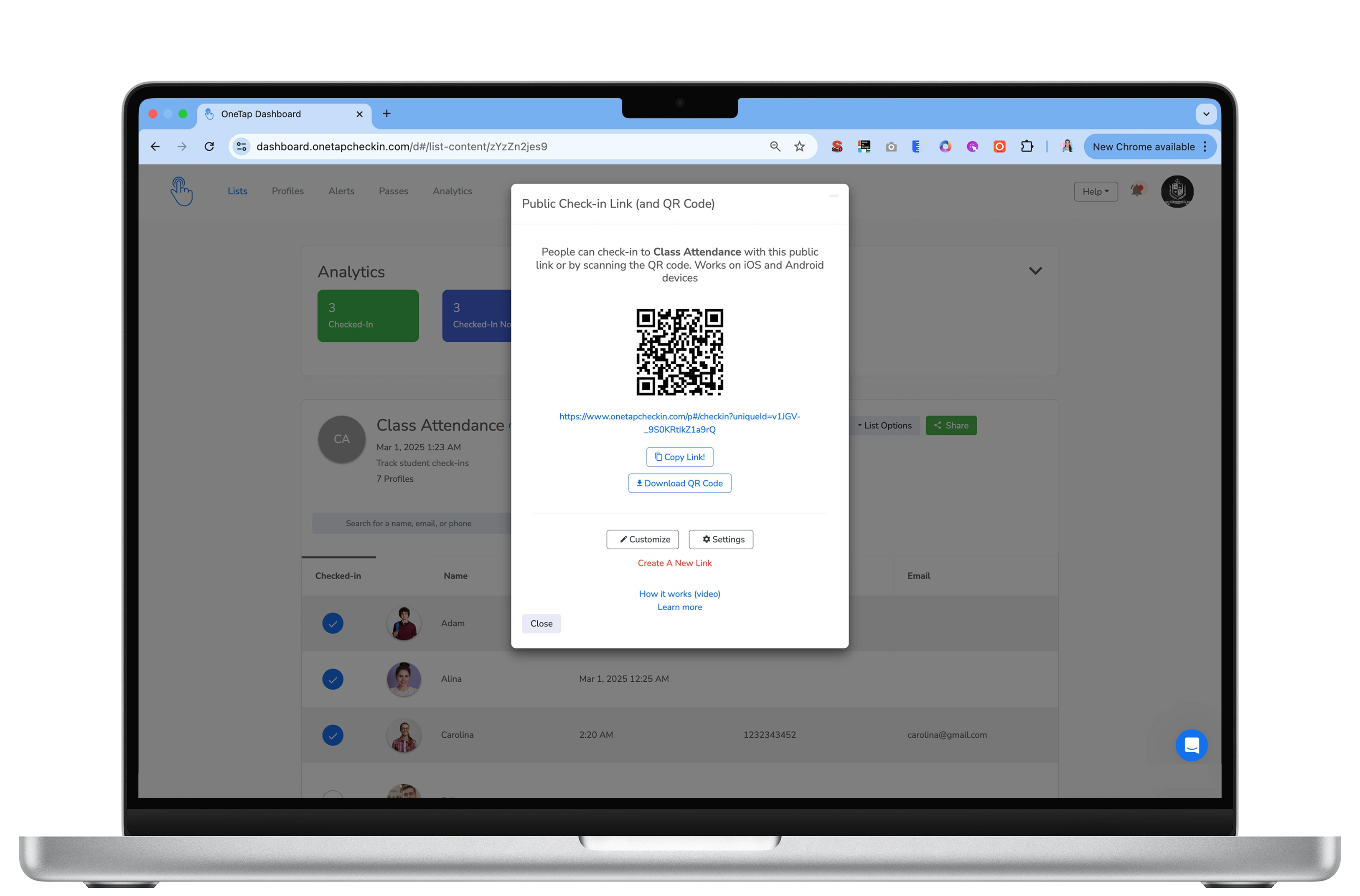
Location, time and date rules live on the check-in link itself, so the same roster can be strict for a graded lecture and wide open for an open day.
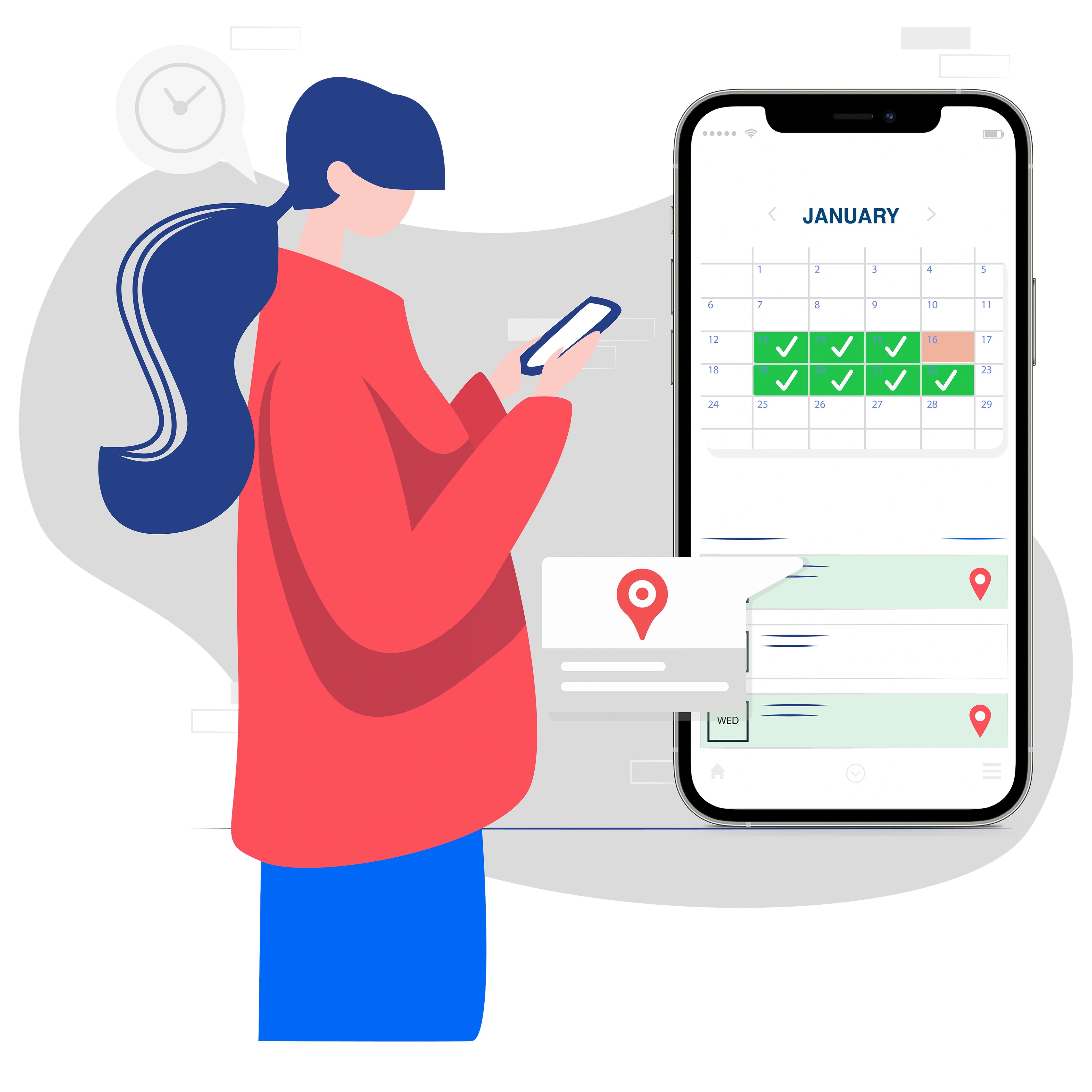
Drop a pin where attendance happens, then size the area with plus and minus. Tight enough for one lecture hall, wide enough for a whole campus or a festival site. You decide how much room to allow.

Someone trying to check in from a dorm, a car park or a café sees an alert telling them they are outside the permitted area, and nothing is written to your list.

Time and date restrictions set the window when check-in is accepted. A student cannot check in to a 9am class at 9:05, and many schools run a second list alongside it to record tardies properly.

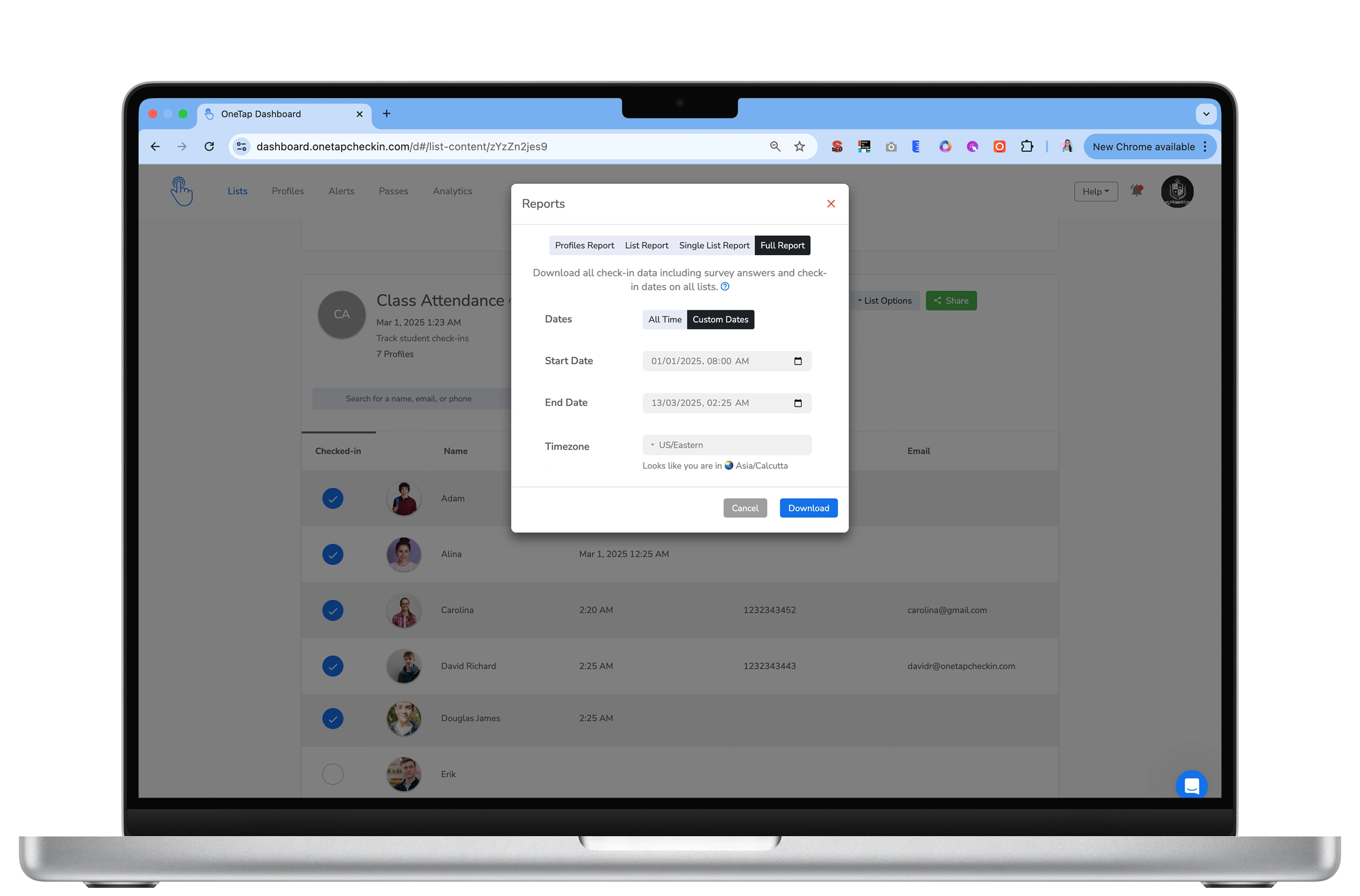
Every accepted check-in was inside your boundary and inside your window. That is the evidence grant programmes and accreditation bodies ask for, without anyone reconstructing it months later.

Attendees must allow location access at the moment they check in. Without it their position cannot be confirmed, so the check-in does not go through.

OneTap also records the device, browser and IP address behind every check-in. One phone used to sign in five people shows up as duplicate entries in your report, so proxy attendance is visible even where a boundary alone would not catch it.
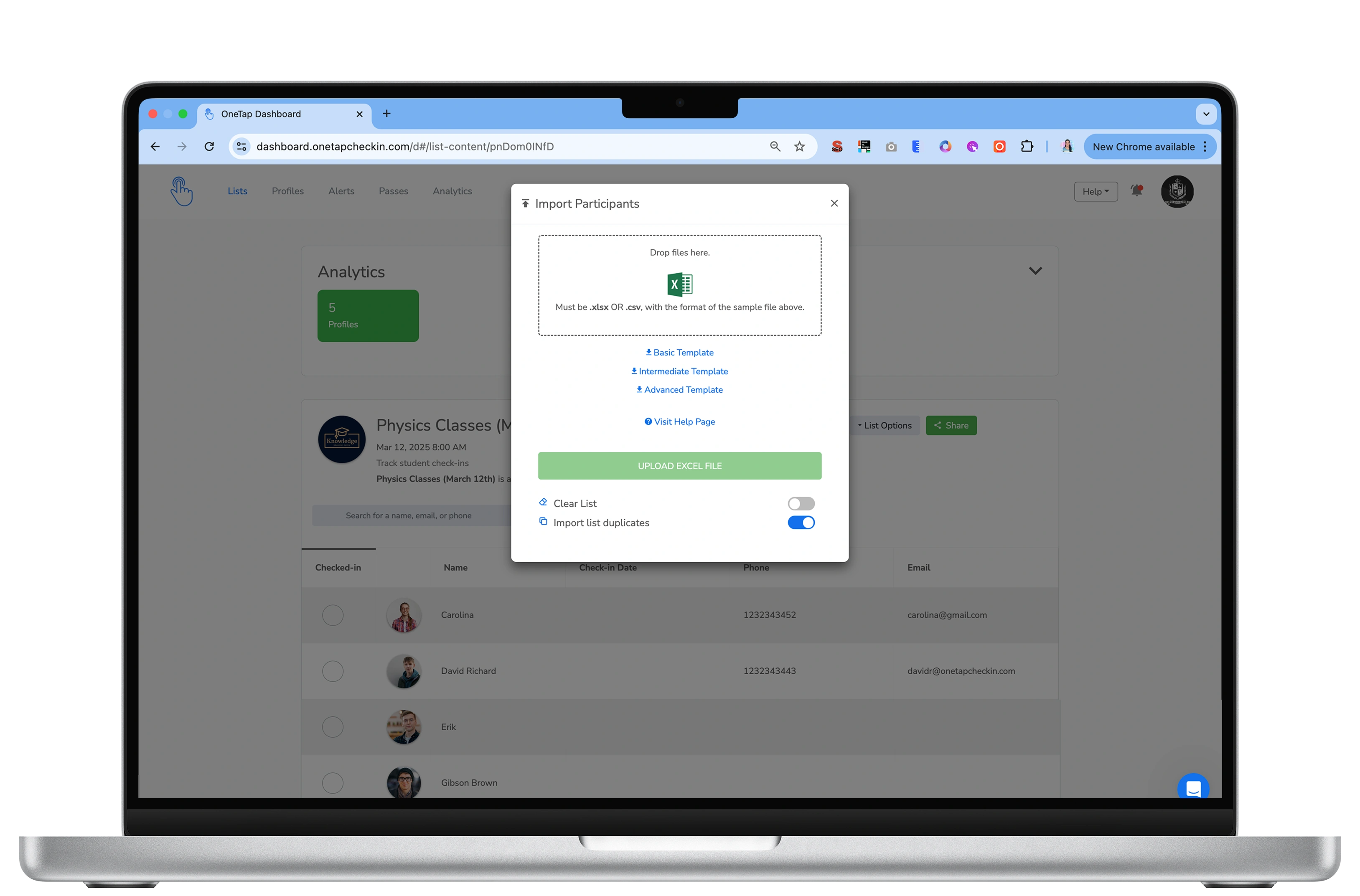
No hardware, and nothing for attendees to install. Three steps in the dashboard and your existing check-in link starts enforcing the rules.