.png)


Yes - Most database/membership management software vendors don't specialize in check-ins, so OneTap works on top of these apps to create an enhanced check-in experience for your members, guests, students, customers and other types of visitors.
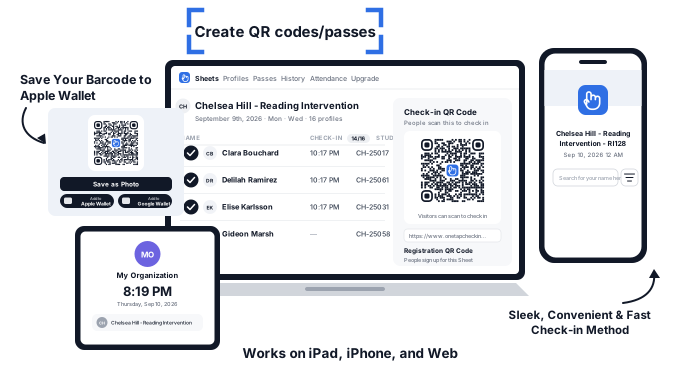
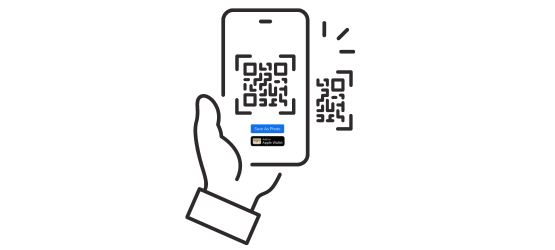
A QR code attendance system simplifies check-ins by having attendees scan their personalized QR codes upon arrival. You can setup a self-check-in kiosk or scan the pass as an admin using an iPhone or iPad.
Yes, barcode check-in enhances security by eliminating the need for paper lists and ensuring accurate attendance records.
Absolutely, QR codes allow attendees to access their attendance history, empowering them with insights into their attendance.
Yes, custom barcodes are ideal for granting exclusive access to members, ensuring a seamless and personalized experience.
Most users find it very intuitive and straightforward, you just need a compatible iPhone or iPad.
At the time of writing, we support Code128, Code39, EAN13, UPCA, and UPCE. Learn more about the technical specifications
Yes, out of the box, you can import Excel spreadsheets, turn those names into profiles and add them to your Sheet.
If your import file has a column with barcode values, we will auto-code barcode passes for you!
If not, we will automatically create QR passes for everyone.
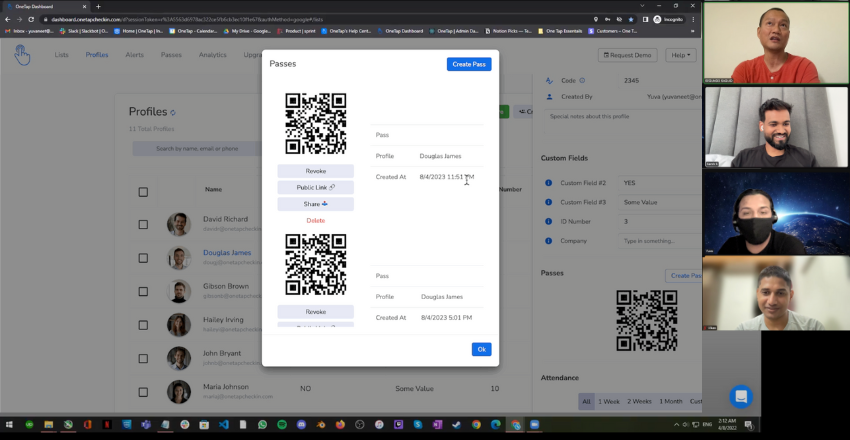
Import your Excel sheet, OneTap creates a QR pass for each person, and every scan lands in your Sheet. You can export back to Excel whenever you need it.
No. OneTap creates a QR code for each person and one check-in QR code for the Sheet, so there is nothing to generate or paste in yourself.
Yes. Anyone can scan with their phone camera, Android or iPhone. To scan other people's codes as an admin you use an iPhone or iPad.