.png)


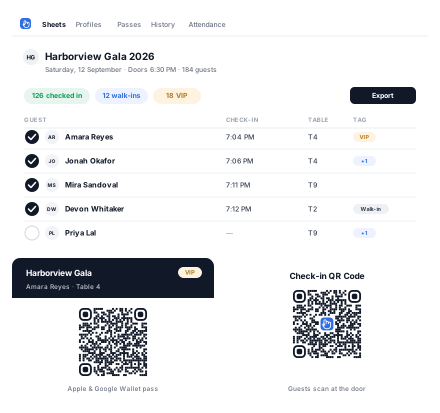
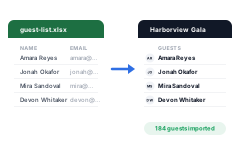
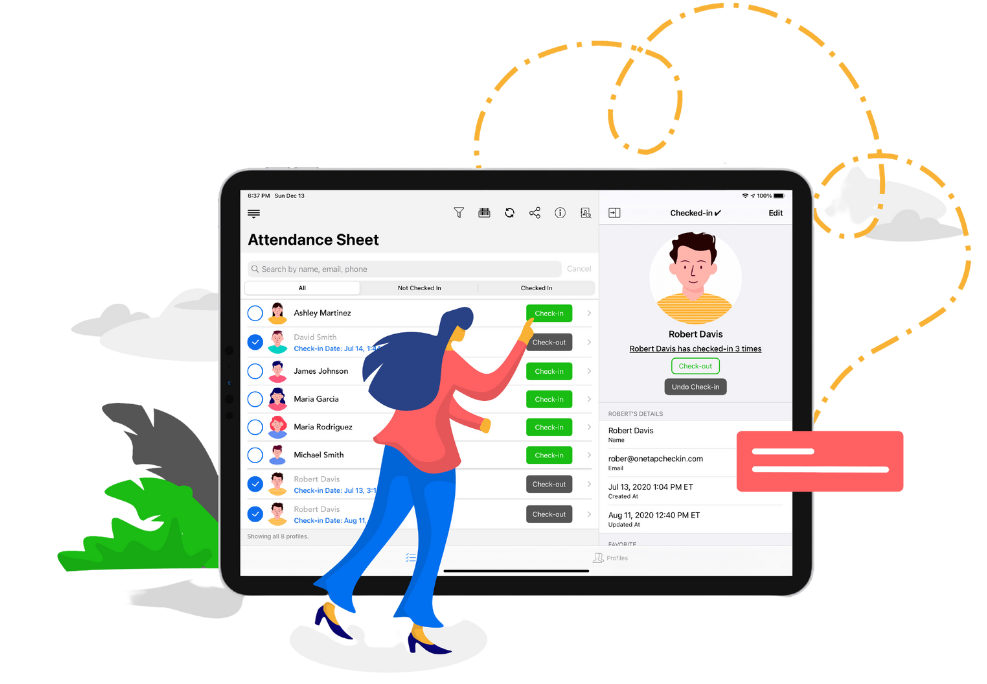
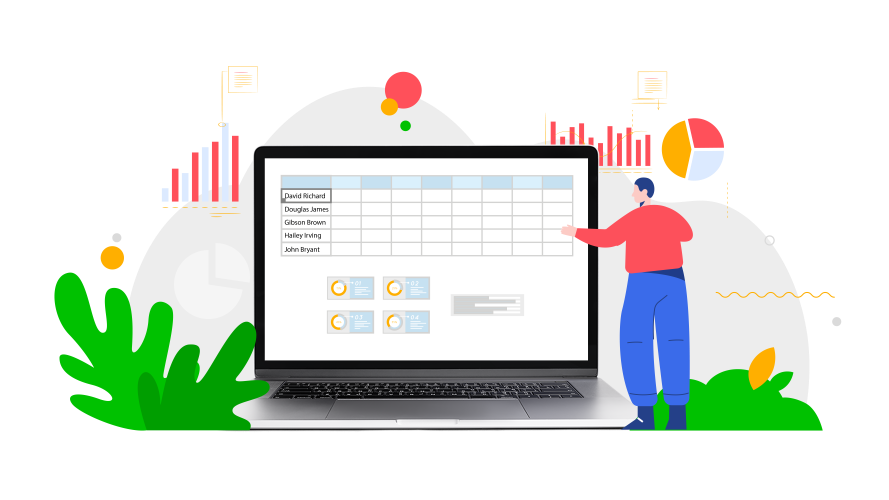
Upload your Excel or CSV file and OneTap turns it into a live guest list Sheet in a couple of minutes. Bring across any columns you want kept, such as email, phone, table number, plus-one or ticket type. There is no retyping, and the Sheet stays in sync across every device from then on.
Yes. OneTap is free forever for up to 20 guest profiles and 3 collaborators, with no credit card. That covers Excel import, QR code check-in, a self-service kiosk and Excel or PDF exports. Paid plans start at $49.99 a month billed annually for 250 guests, and one-time event plans start at $24.99, or $59.99 for 500 guests, if you only need it for a single event.
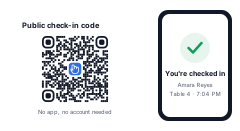
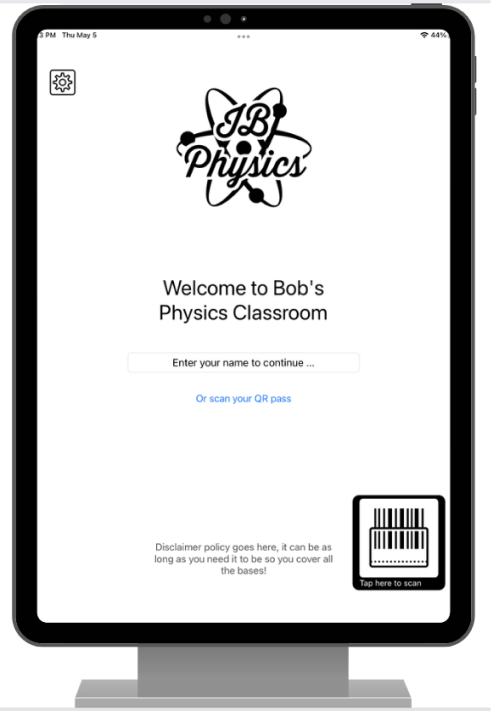
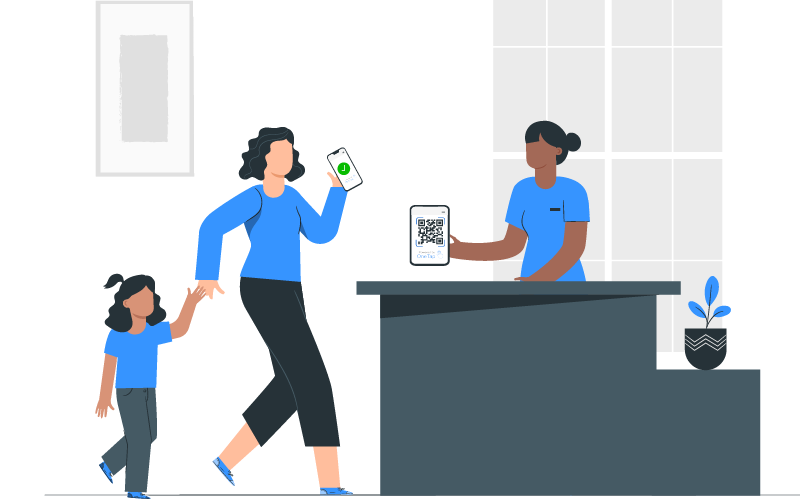
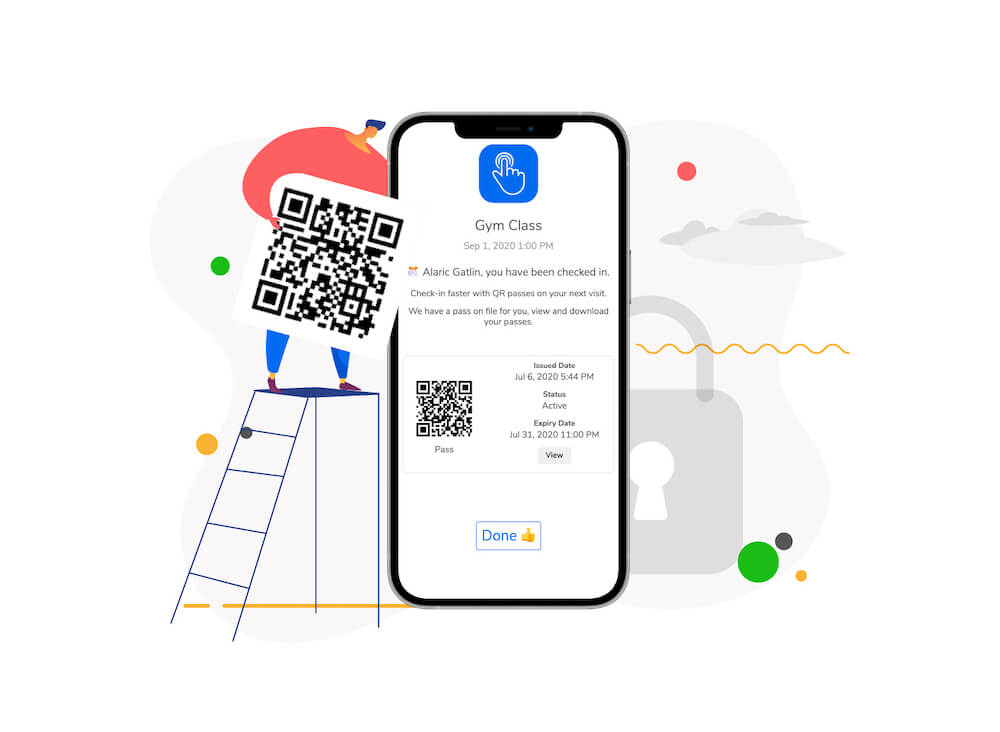
No. Guests scan a QR code with their phone camera, or your team searches their name and taps once. You can also stand an iPad at the door and let guests find themselves. Nothing to install, and it works the same for a guest who has never heard of OneTap.
Search one name and check the whole party in together, so a family, a couple or a table of ten clears the door in a single tap. Plus-ones can be recorded against the guest who brought them, and if a plus-one turns up unannounced you can add them on the spot without holding up the queue.
Tag guests as VIP and filter the Sheet to just that group, so the people who matter are never buried in a list of hundreds. On paid plans you can set a text alert that fires the moment a tagged guest checks in, which is the part a printed VIP list can never do: by the time someone finds you to say they have arrived, they have already walked past.
Yes, and weddings are one of the easier cases because the guest list already exists in a spreadsheet. Import it, keep the table numbers as a column, and whoever is on the door can check people in from a phone without a printed seating list. Table numbers show next to each name, so guests can be pointed the right way as they arrive.
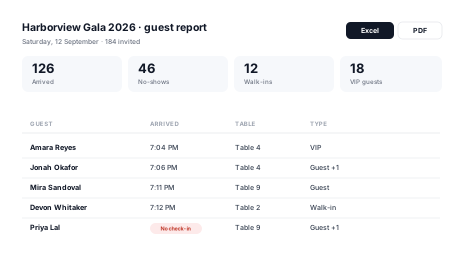
Register them on the spot. They fill in their own details on a kiosk, or your team adds them in a few seconds, and they join the same guest list as everyone else. Walk-ins are counted separately in the report, so you can see afterwards how many people came who were never invited.
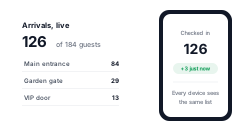
Yes. Add collaborators, 3 on the free plan and up to 15 on Pro, and each one works from their own device. Everything syncs live, so a guest checked in at the main entrance shows as arrived at the garden gate a moment later and cannot be counted twice. OneTap is cloud-based, so each door does need a connection.
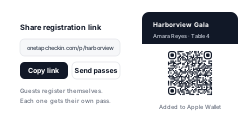
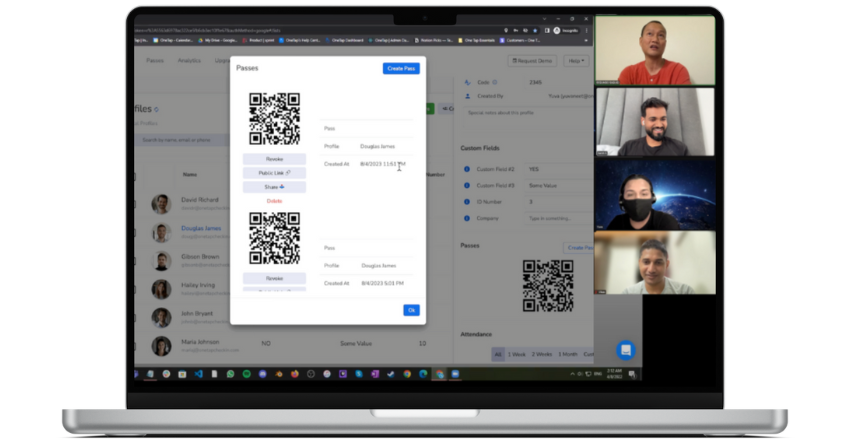
Share a registration link on the invite, in an email or on social, and guests add themselves to the list. You choose what to collect, from a name and email to dietary requirements or a t-shirt size. Each registered guest can be sent their own QR pass, which they can keep in Apple Wallet or Google Wallet until the night.
A guest report you can export to Excel or PDF: who arrived and at what time, who never showed, who walked in unregistered, and any details you collected at the door. It is the part a paper list never gives you, and it makes the next invite list easy to build because you know who actually came.